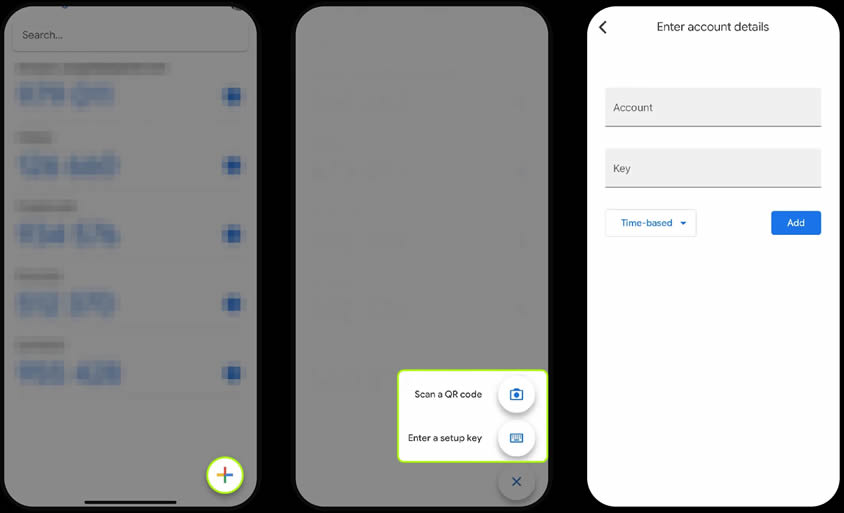
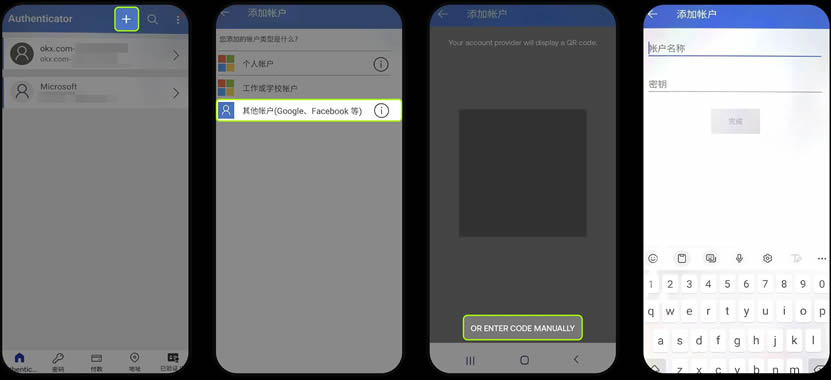
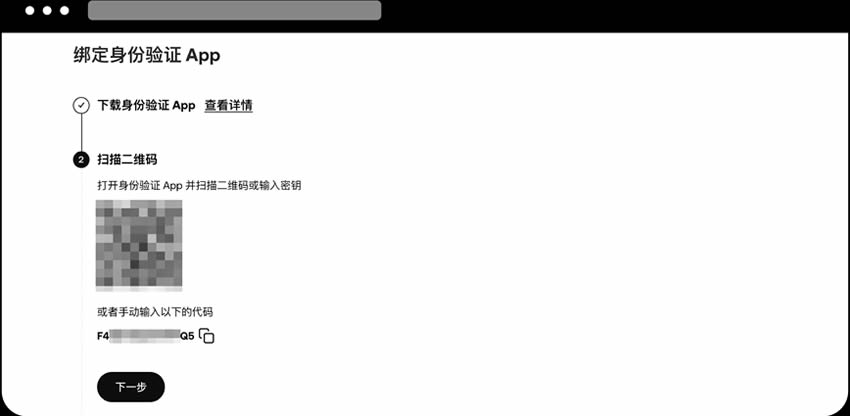
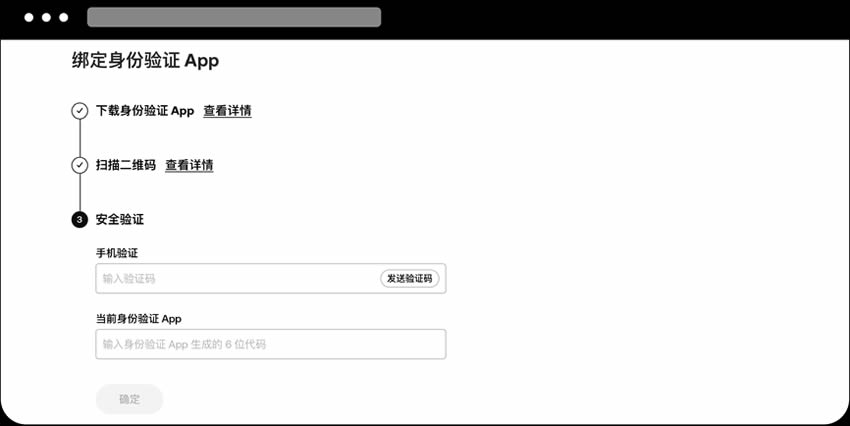
目前通用的两款身份验证应用(Authenticator)分别是 Google Authenticator 和 Microsoft Authenticator 。
1、在欧易 App 内下载安装
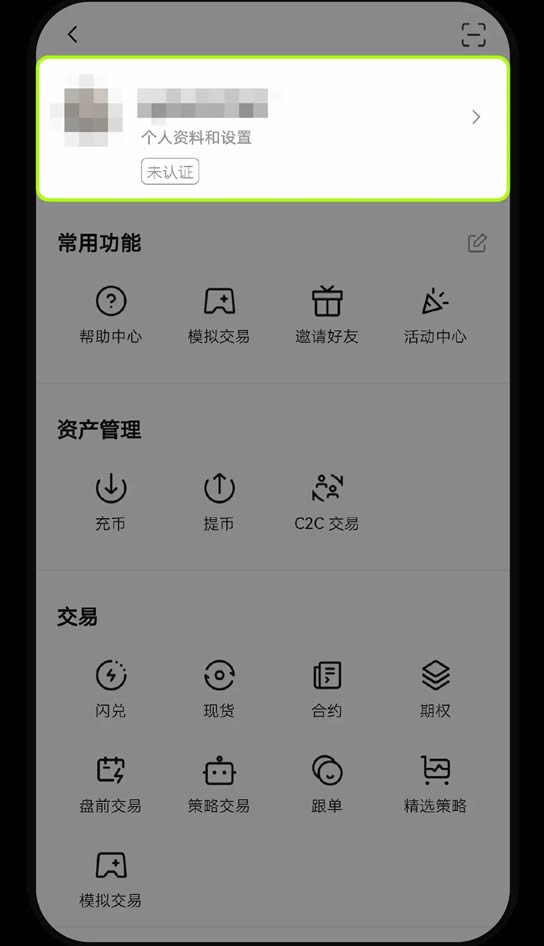
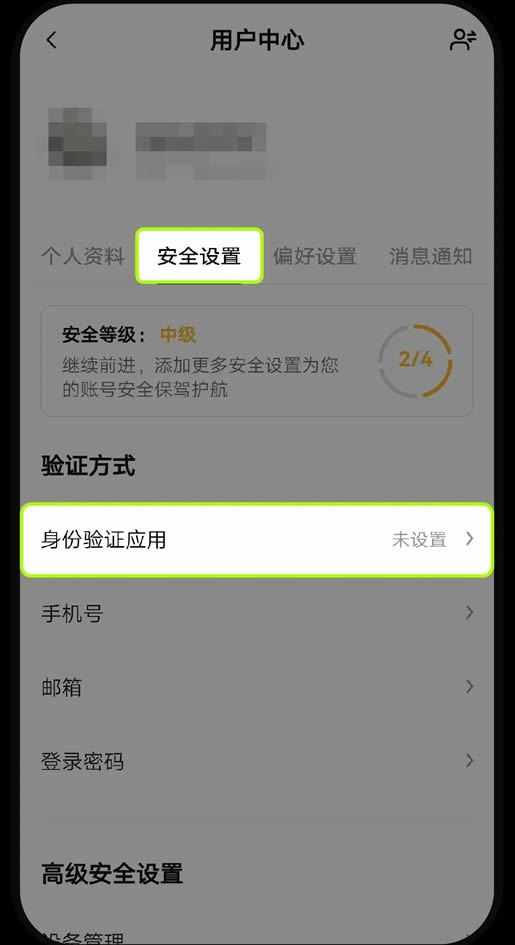
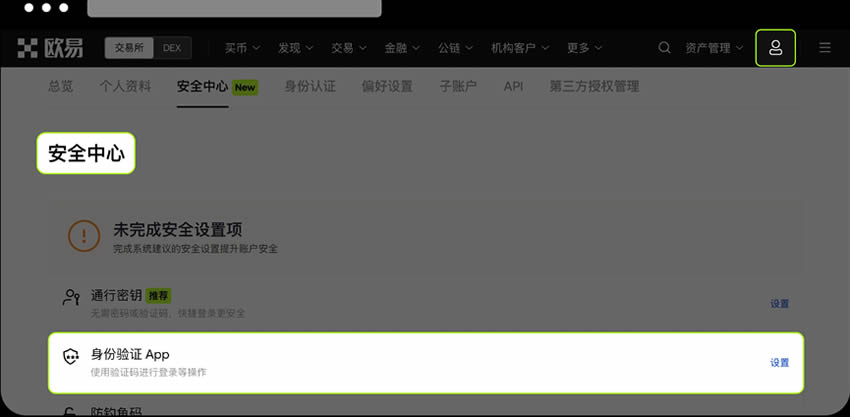
打开欧易 App(官方下载),点击左上角【全功能】图标 -【个人资料和设置】-【安全设置】-【身份验证应用】- 选择下载 Google Authenticator 或 Microsoft Authenticator。
2、通过 App Store 、Google Play 手机应用商店下载
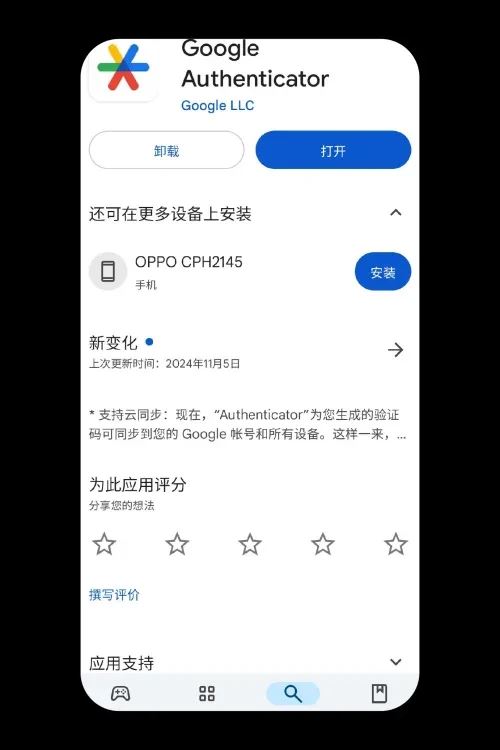
(1)Google Authenticator
苹果手机需在 App Store 中下载。
安卓手机需在 Google Play 中下载(需要手机设备能够访问 Google 服务)。
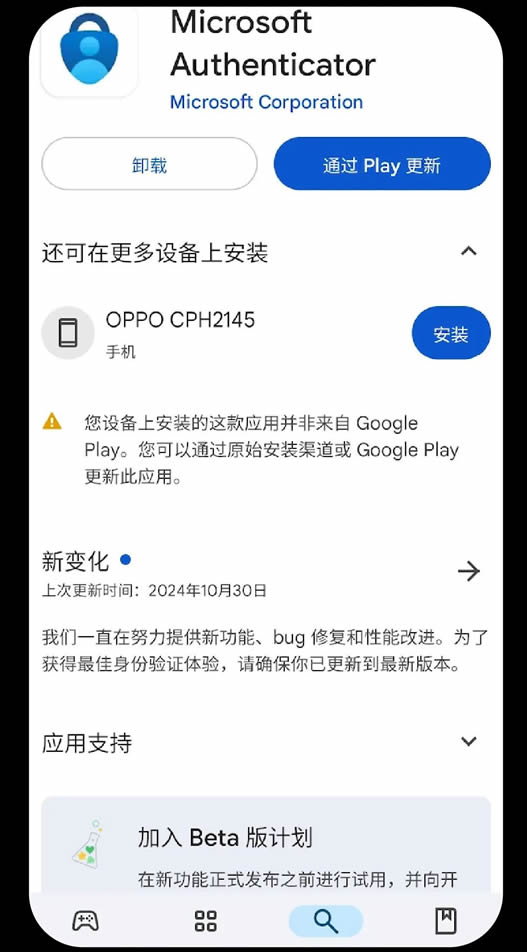
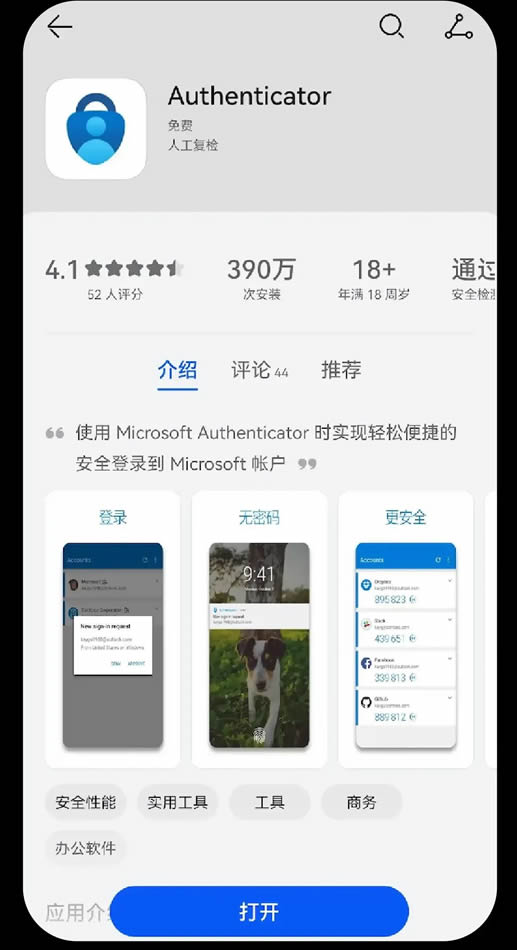
(2)Microsoft Authenticator
苹果手机需在 App Store 中下载。
安卓手机需在 Google Play 下载(需要手机设备能够访问 Google 服务),也可以在华为应用市场、小米应用商店、OPPO 应用商店、VIVO 应用商店等主流应用商店里下载,若您的手机上的应用商城没有 Microsoft Authenticator,可以先下载上述主流应用商店中的任意一个,再进行下载。


 发表于
发表于